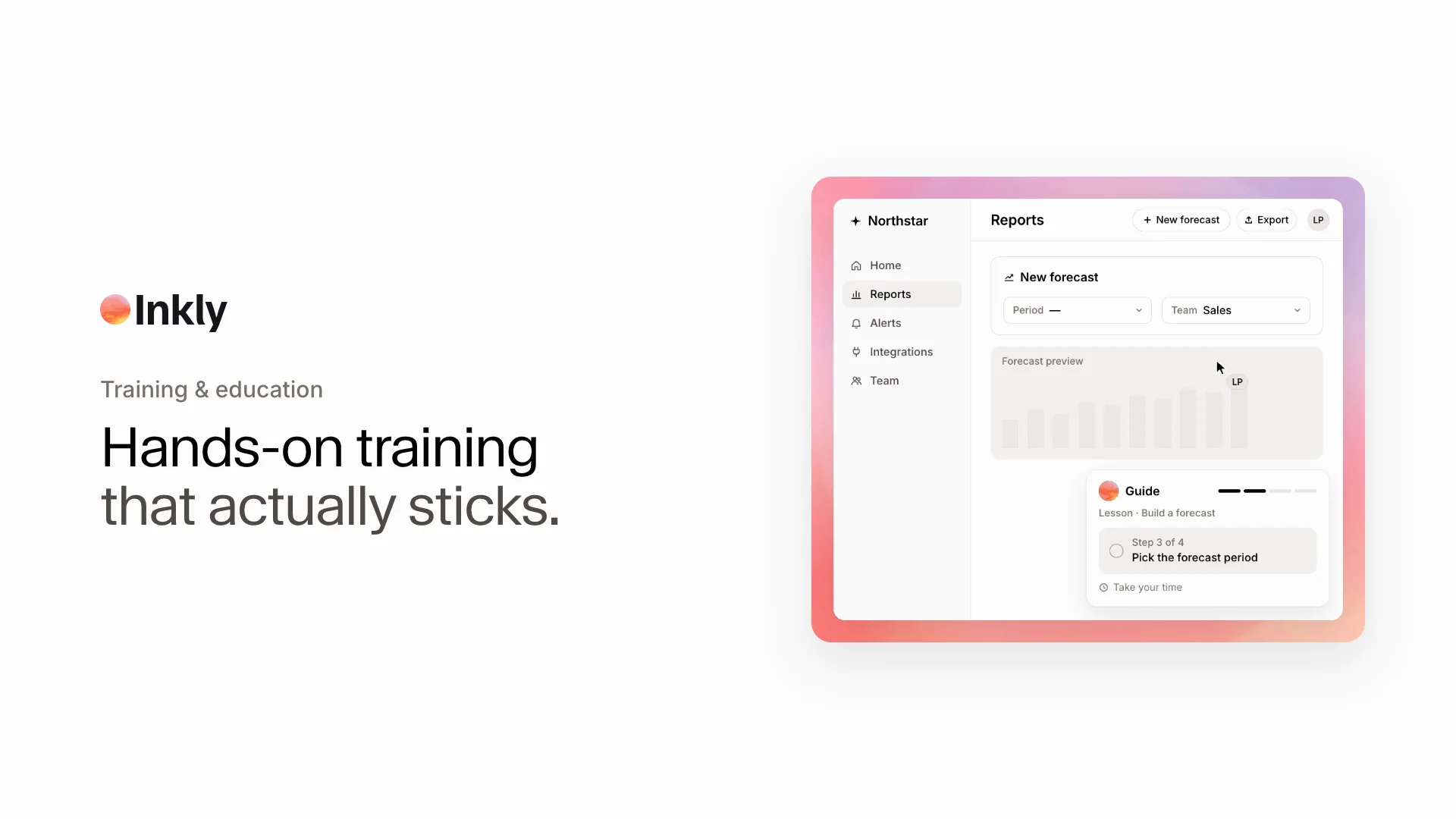
Hands-on training that actually sticks

An AI demo agent guides each learner hands-on through your real product, answering questions at their own pace.

Book a demo
www.clay.com

How it works

Turn every how-to into a hands-on lesson

Inkly learns what each customer needs to do, guides them through the real product, and helps every lesson turn into confident action.

Outcomes

More confident learners. Training that scales.

What changes when every customer can learn by doing in the real product, whenever they need to.

inkly.app/live
Explore Inkly on your terms
Maya
Alex
Jordan

Lessons that stick

Help every learner practice the real workflow instead of just reading about it or watching a recording.

Maya Chenmaya.chen@acme.com
StrongScale onboarding
Strong8 sales reps
StrongCRM handoff
StrongThis quarter

More confident customers

Give learners answers and guided product context in the moment, so they can keep moving at their own pace.

One clear path to value
1Product opened
2Workflow matched
Sales ready
Median time to value17 min0%
Qualified buyers+15%

Training that scales

See where learners need help, improve the lesson, and give every customer the same high-quality product education.

FAQ

Questions, answered

Other tools give learners a static recording to click through alone. Inkly is an immersive product experience with real conversation, personalized to every learner. It walks them through your real product hands-on and answers questions live.

Put it anywhere your team learns, like in-product, your help center, onboarding, and documentation. One agent works everywhere it helps.

You get the full chat, the steps each learner completed, a session recording, and learner info like their role and team. You see exactly what's landing and where people drop off.

Yes. Inkly guides learners through real product workflows, so they can practice the task in context instead of watching a static recording or reading a generic guide.

Inkly learns what the learner is trying to accomplish, then guides them to the most relevant workflow for their role, use case, and level of experience.

Yes. Add the same hands-on lesson to documentation, help center content, onboarding, and release notes so learners can try what they are reading about.

Every session shows the questions learners ask, the steps they complete, and where they pause. Your team can use those patterns to make training clearer and more effective.