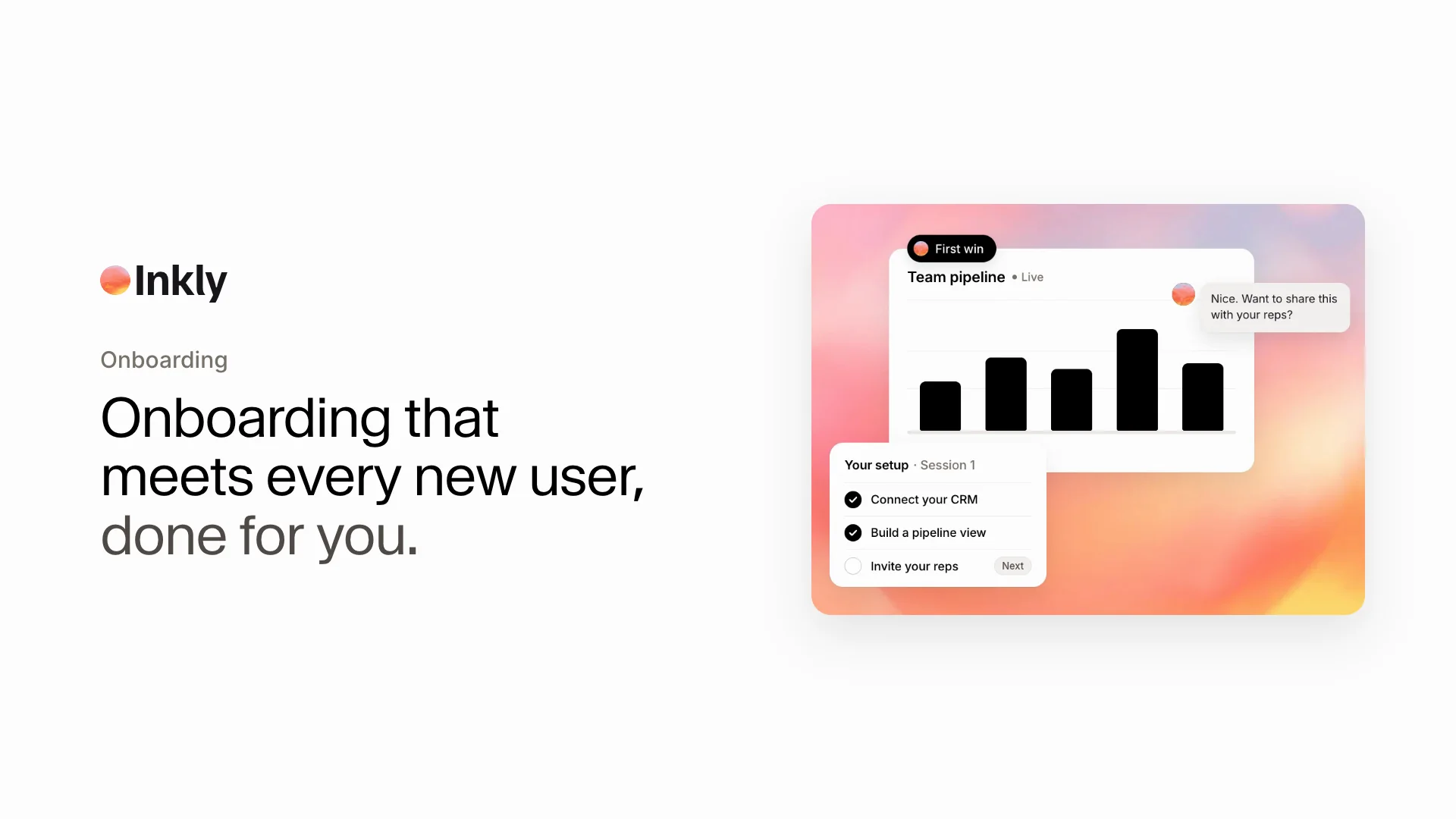
Onboarding that meets every new user, done for you

An AI demo agent guides each new user through setup and first value inside your real product — no ticket, no waiting.

Book a demo
www.clay.com

How it works

Onboarding that meets every new user where they are

Inkly learns what each new user needs, guides them through the right setup, and helps them reach first value without waiting for your team.

Outcomes

More activated users. Less manual onboarding.

What changes when every new user can get the right product guidance at the moment they need it.

inkly.app/live
Explore Inkly on your terms
Maya
Alex
Jordan

Faster first wins

Guide each new user through setup and the product moments that make the value clear in their first session.

Maya Chenmaya.chen@acme.com
StrongScale onboarding
Strong8 sales reps
StrongCRM handoff
StrongThis quarter

More confident users

Give every user answers and guided product context when they need it, without waiting for a live call or support reply.

One clear path to value
1Product opened
2Workflow matched
Sales ready
Median time to value17 min0%
Qualified buyers+15%

Activation that compounds

See where users get stuck, improve the journey, and help more accounts reach the workflows that keep them engaged.

FAQ

Questions, answered

What onboarding teams need to know before putting a live agent inside their product.

Other tools hand you an editor and leave the work to you. Inkly is an immersive product experience with real conversation, personalized to every new user. It guides them to first value live.

Put it anywhere new users land, like in-product, your onboarding flow, help center, and documentation. One agent works everywhere it helps.

You get the full chat, the features each user explored, a session recording, and user info like their role and company. You see exactly where activation happens.

Yes. Inkly can meet users inside the product, in an onboarding flow, or through a help experience and guide them through the next relevant setup or workflow.

Inkly learns what each user is trying to accomplish, then changes the conversation and product path for their role, use case, and stage of onboarding.

Yes. Share the same guided experience through lifecycle emails, help center articles, documentation, and any other place users need a clearer next step.

Every session shows the questions users ask, the steps they explore, and where they pause. Your team can use those patterns to fix friction and improve activation over time.