Questions in context
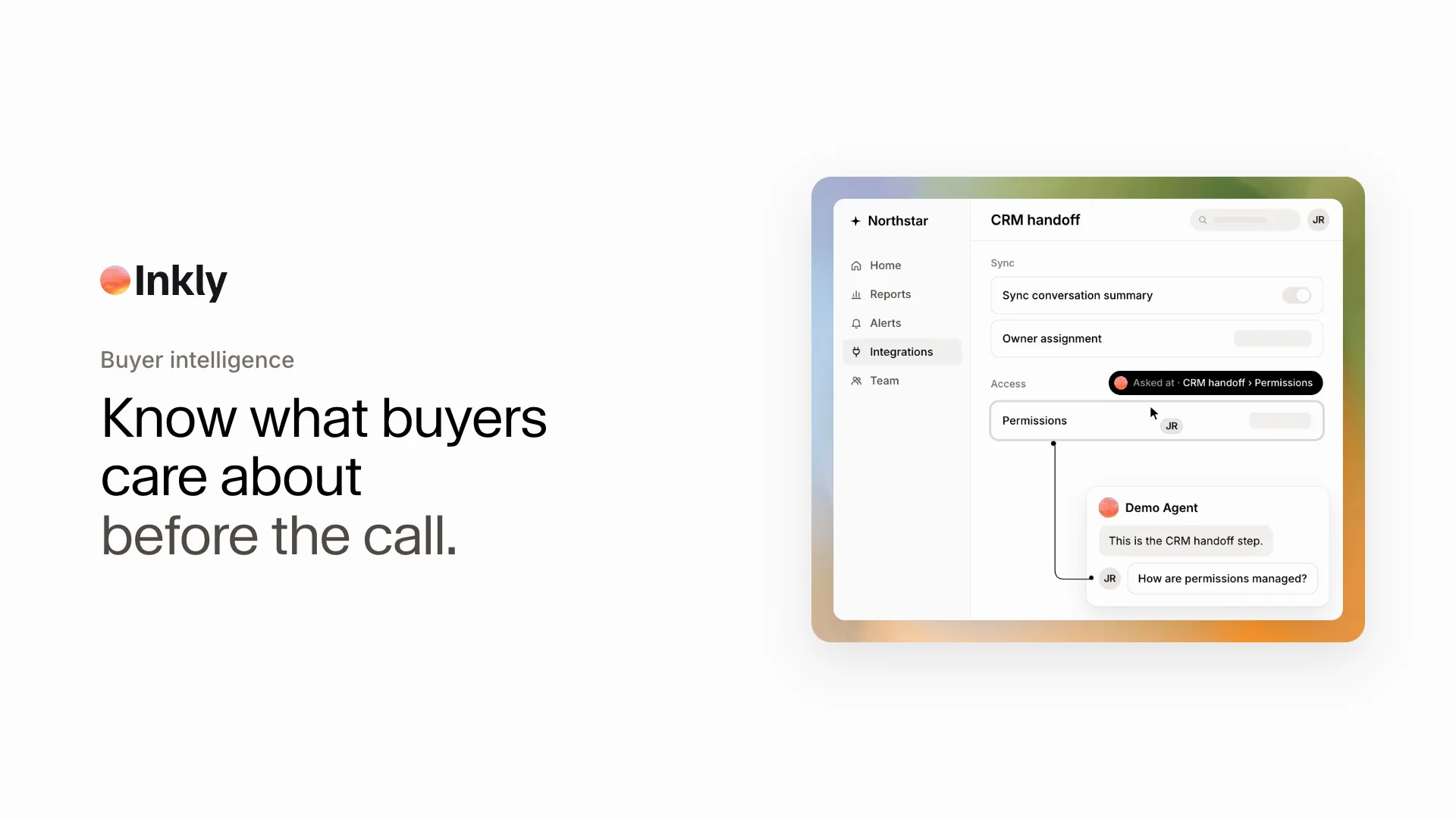
See what the buyer asked and which product moment prompted the question, instead of reading an isolated transcript.
Inkly turns every AI product demo into useful buyer context: intent, questions, explored workflows, objections, and a clearer place to begin the next conversation.

Buyer intelligence
Connect what the buyer said to what they actually explored, then preserve the context your team needs to continue the conversation.
GoalMake demo follow-up more relevant
Product pathConversation summary → CRM handoff
QuestionHow are permissions managed?
ObjectionNeeds to fit the existing sales workflow
Review CRM setup and permission controls without repeating the introductory product tour.
See what the buyer asked and which product moment prompted the question, instead of reading an isolated transcript.
Understand which parts of the product held attention and where the buyer chose to go deeper.
Bring concerns about rollout, integrations, security, or fit into the next conversation while they are still fresh.
Give the account owner a concise starting point for the next call, email, or technical handoff.
The buyer gets room to learn. Your team gets the evidence needed to respond with relevance.
Prepare around the workflows and concerns that appeared during product exploration, rather than restarting discovery from zero.
Reference what the buyer saw, close open loops, and choose a next step that fits the evaluation already underway.
Use recurring themes to improve product stories, campaign messages, enablement, and the demo agent itself.